Rule Engine - Sending SMS, Email, and WhatsApp via Actions
This guide explains how to configure and use actions for sending SMS, Email, or WhatsApp messages when an event occurs in Yggio. It covers connector creation, action setup, and backup delivery options.
Overview
- Actions can send SMS, Email, or WhatsApp messages when triggered by a rule or event.
- Users must create connectors for each service (SMS, Email, WhatsApp) before creating actions.
- Connectors can be created via the Control Panel or directly from the action creation page.
- SMS and WhatsApp actions allow specifying a backup email address for failed delivery, if an email connector exists.
Connector Creation
Connectors are required for each messaging service. Create them via:
- Control Panel:
/control-panel-v2/connectors - Action Page: If no connector exists, you can create one during action setup.
Connector documentation is available in the connectors folder.
Supported Providers
- SMS: 46elks, Telnyx, Twilio
- WhatsApp: Twilio
- Email: Customer-arranged (any SMTP-compatible provider)
Action Types
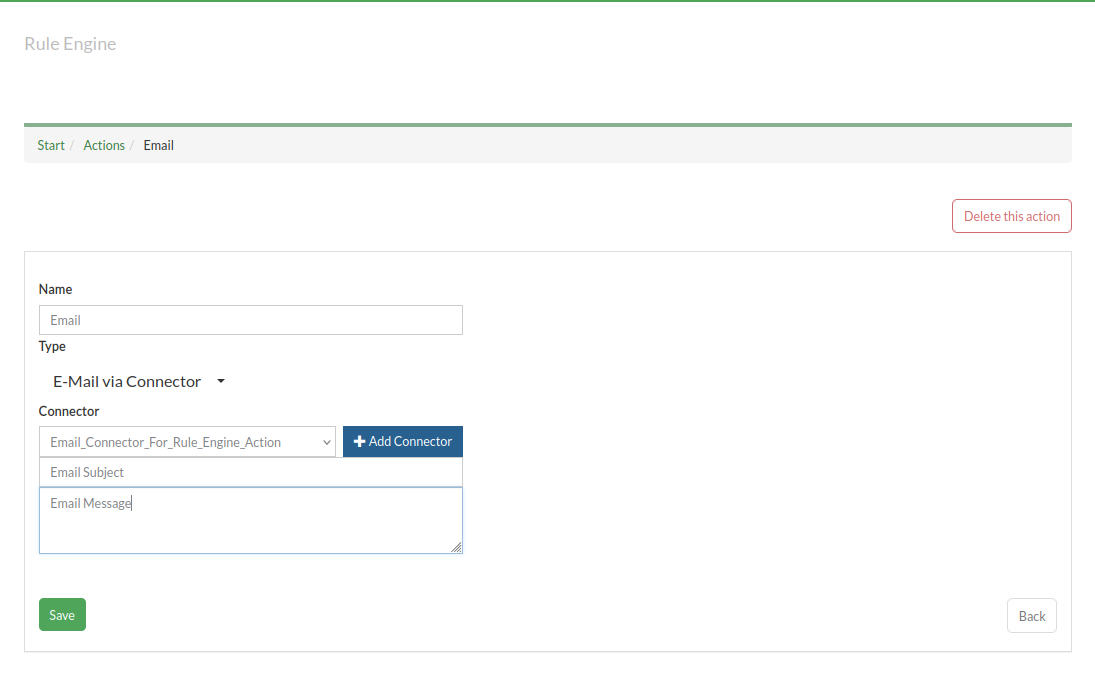
Email Action via Connector
- Sends email using a configured email connector.
- Specify subject and message body.
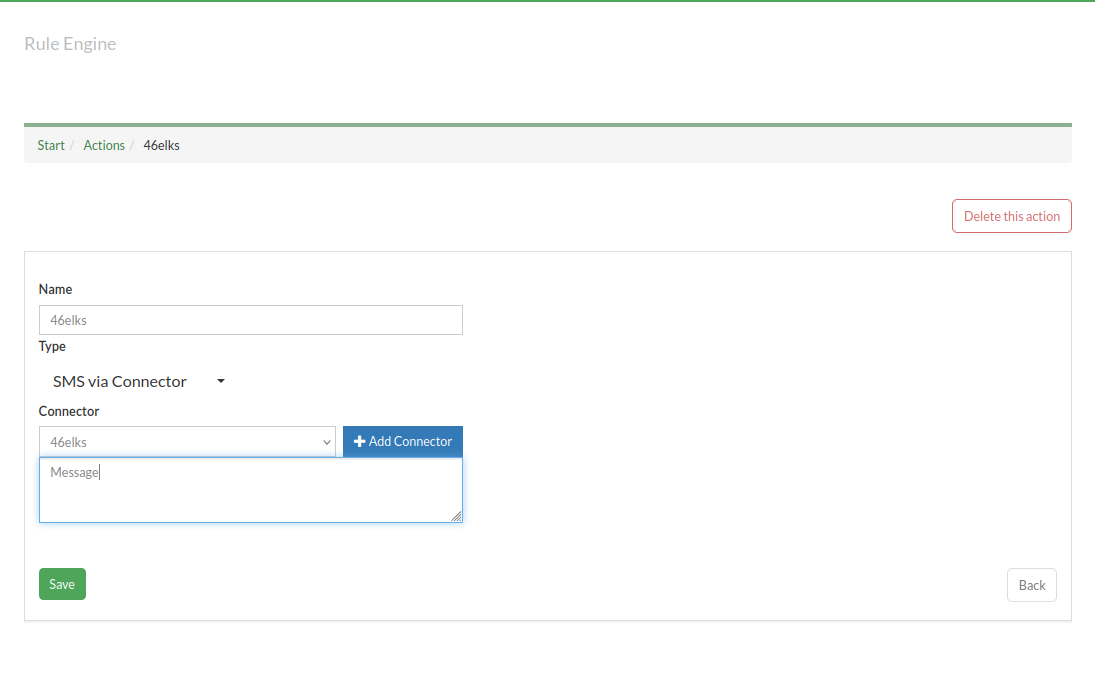
SMS Action via Connector
- Sends SMS using a configured SMS connector.
- Specify pre-saved SMS connector (or add new connector) and message body.
- Optionally add a backup email address for failed SMS delivery (requires email connector).
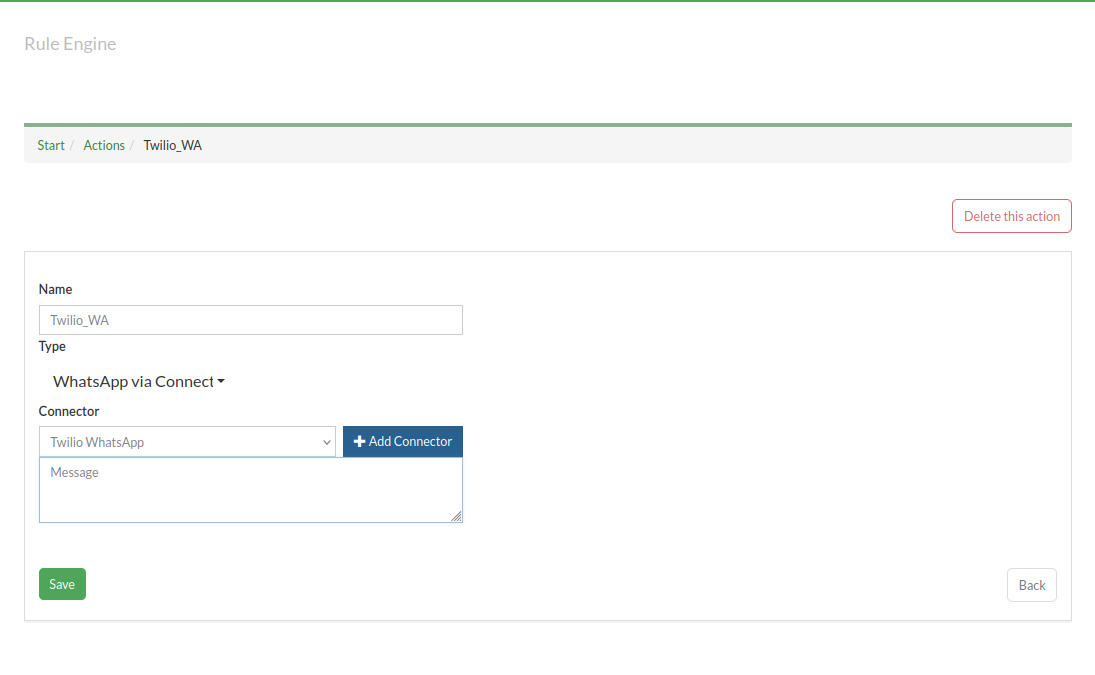
WhatsApp Action via Connector
- Sends WhatsApp message using a configured WhatsApp connector.
- Specify pre-saved WhatsApp connector (or add new connector) and message body.
- Optionally add a backup email address for failed WhatsApp delivery (requires email connector).
Backup Email Options within respective connectors
- For SMS and WhatsApp actions, you can specify a backup email address.
- If delivery fails, the system will attempt to send the message via email (requires an email connector).
Example Workflow
- Create the required connector(s) for SMS, Email, or WhatsApp.
- (Optional) Add a backup email address for SMS/WhatsApp actions.
- Create a rule action for the desired event.
- Select the connector and configure the message details.
More Information
- See connectors documentation for provider-specific setup.
- For advanced rule configuration, refer to the Rule Engine documentation.
This guide will be updated as new features and providers are added.