AI Connector
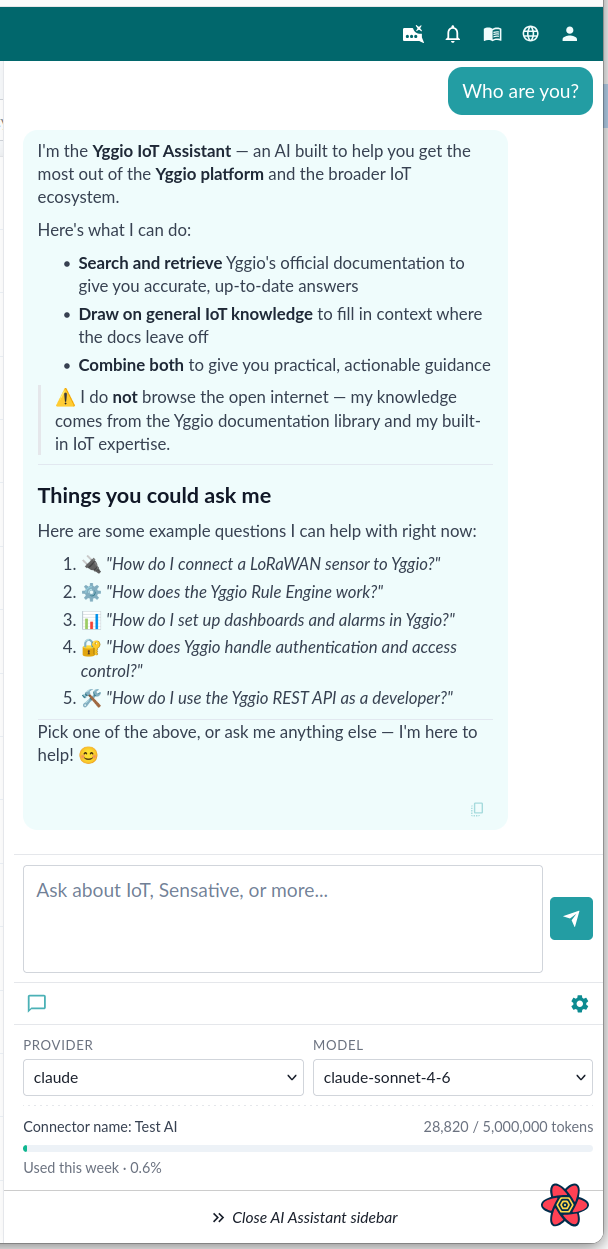
The AI Connector connects a large language model to the platform, so your team can ask questions in plain language instead of hunting through documentation. It holds the provider credentials, the model choice and the cost limits, in the same way other connectors hold the credentials for the system they talk to.
Supported operations:
- Answering questions about Yggio from the documentation, through an MCP connector, which powers the built-in AI Assistant in the navigation bar
- Running a standalone LLM call with a fixed system prompt and a chosen response format, through an Agent connector
- Tracking and capping token usage, per response and per week, so cost stays bounded
Supported LLM providers: OpenAI and Claude (Anthropic).
Coming next. Today the assistant's interaction with Yggio is through the documentation. Analytics and automation are the next step: asking about your own device data, and having the assistant carry out work in Yggio through the API.
Click the image to open it full size.
Setup
-
Go to the Connectors tab and click New Connector.
-
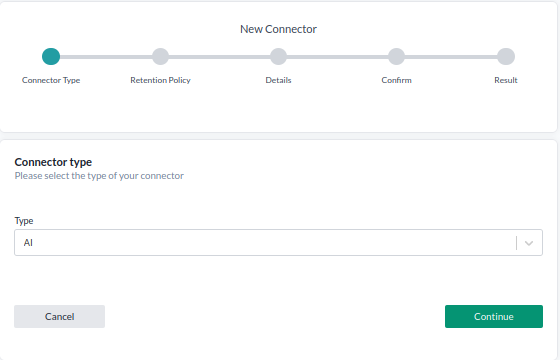
For Connector type, select AI and press Continue.
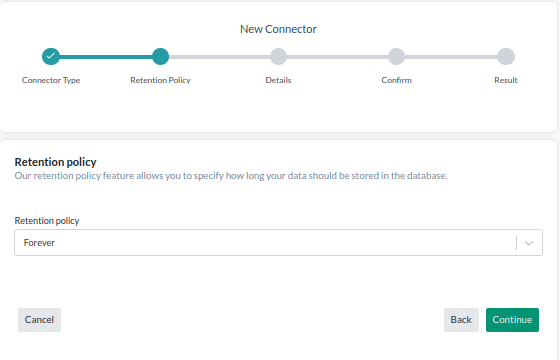
- Select your retention policy and click Continue. Retention policy determines how long the token usage is saved.
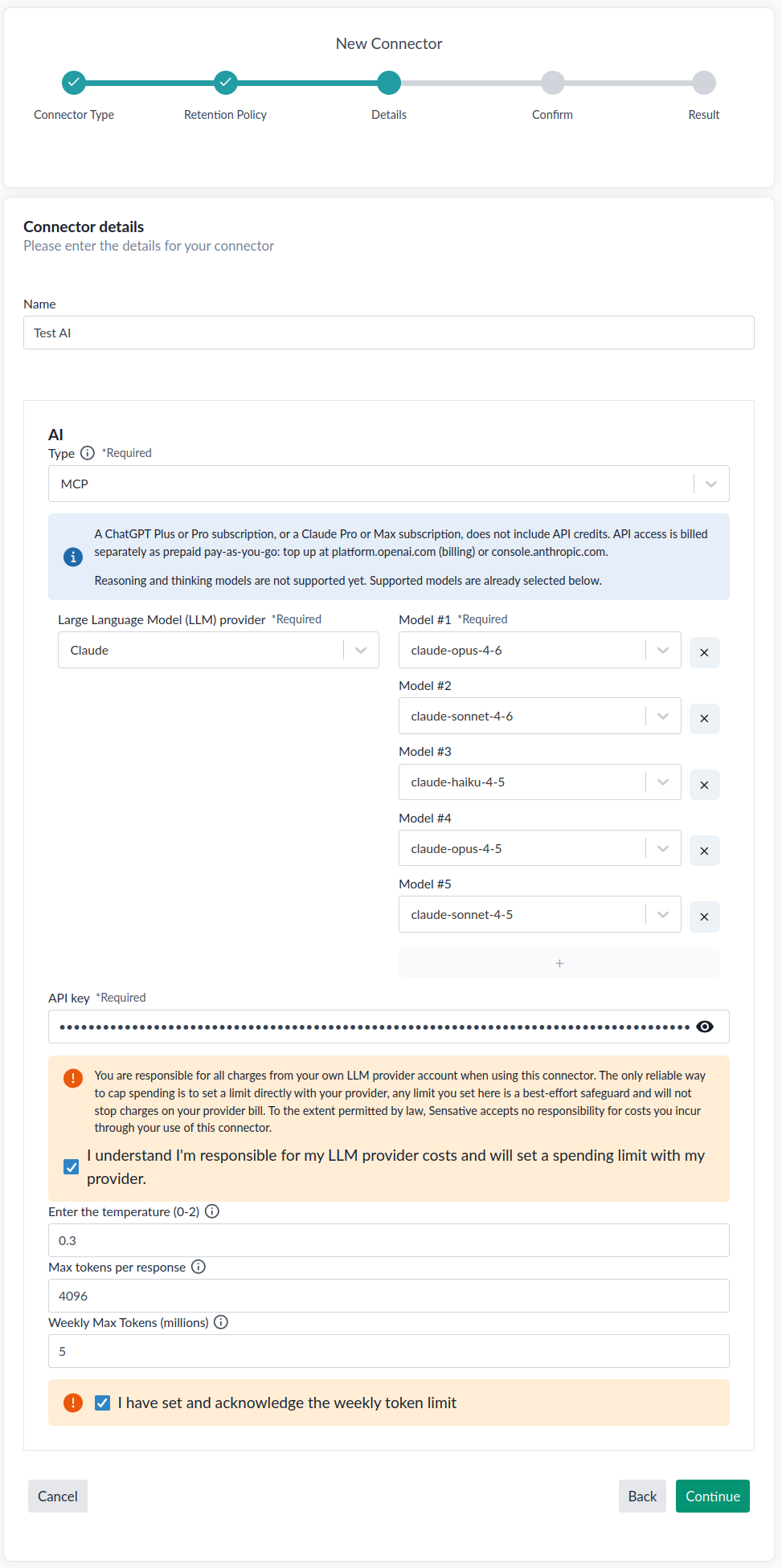
- Fill in the connector details:
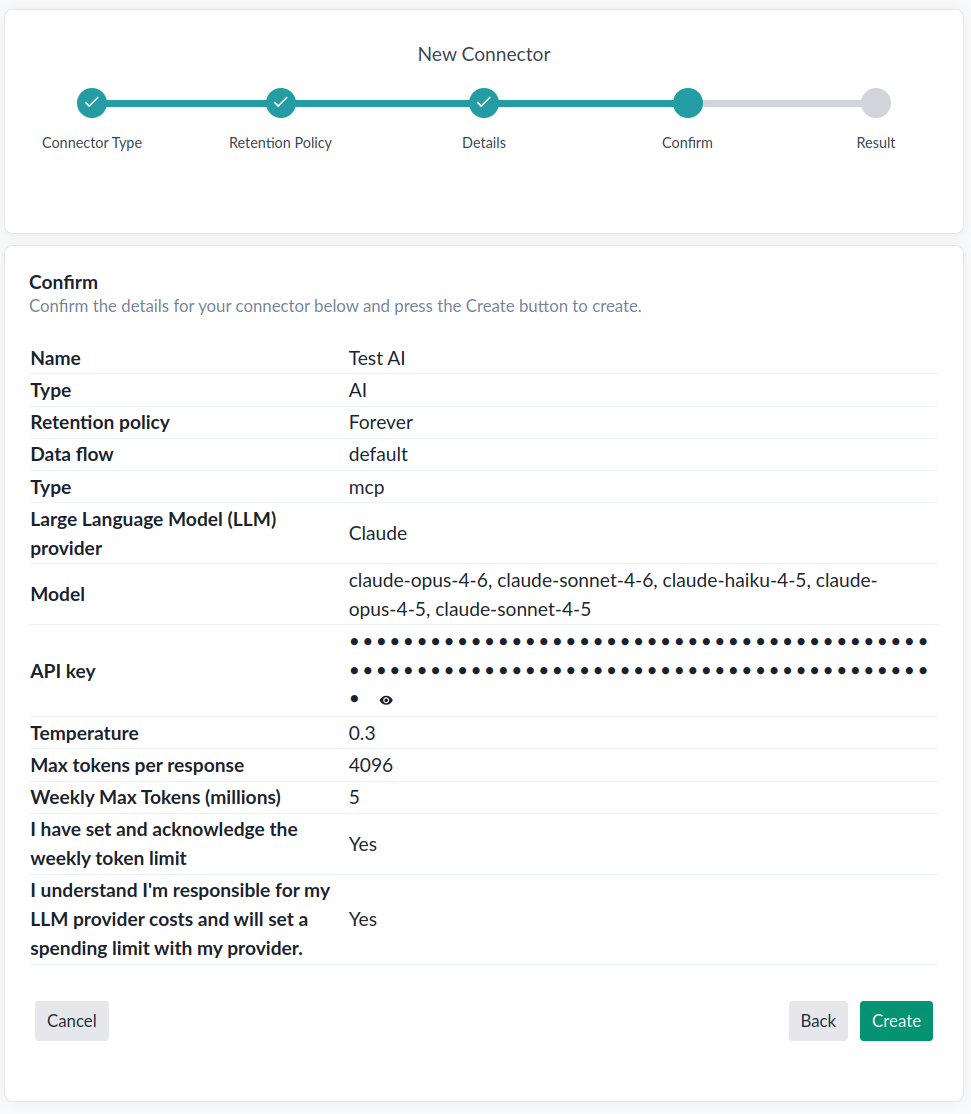
- Name: Connector name.
AI
- Type: MCP (Model Context Protocol) or Agent. MCP powers the built-in Yggio AI Assistant (the chatbot in the navigation bar, see AI Assistant). Agent runs a standalone LLM call with a fixed system prompt, and is not usable in the AI Assistant chat.
- Large Language Model (LLM) provider: OpenAI or Claude.
- Model: Which models this connector may use, out of those the AI Assistant supports for the chosen provider. An MCP connector starts with all of them selected, and every one you keep appears in the assistant's model dropdown. Remove the ones you do not want with the x; the + button adds one back, and stops once every supported model is listed. The provider can be changed at any time, which replaces the list with the supported models for that provider. An Agent connector uses a single model.
- API key: A unique code that authorizes and identifies you for use of the AI provider's API.
⚠️ Make sure the API key has a spending limit set with the provider, otherwise cost is unlimited. You must confirm "I understand I'm responsible for my LLM provider costs and will set a spending limit with my provider" before continuing.
- Temperature: From 0 to 2. Lower is more accurate/deterministic, higher is more creative.
MCP
- Max Tokens: The maximum number of tokens the model may generate for one response.
- Weekly Max Tokens (millions): The maximum total billable tokens (input, cached, and output) the connector may use per week, entered in millions. The counter resets on Sunday at 00:00 UTC. Defaults to 5, and 1 is the lowest you can set. You must confirm "I have set and acknowledge the weekly token limit" before continuing.
Agent
- System prompt: The system prompt for the AI agent.
- Response format: Text, JSON Object, or JSON Schema (requires
nameandpropertiesin the JSON, e.g.{"property1": {"type": "string"}, ...}).
Click Continue.
- Verify that all the details are correct, then press Create.